The nights are drawing in and a drop in temperature outside can only mean one thing – indoor training season is here.
If you’re dusting down your turbo trainer setup or investing in some new hardware this year, it’s important to understand the terminology around certain features.
Unless you’ve read up on the latest indoor training news, there can be confusion among experienced and first-time indoor riders alike, particularly when it comes to the term ‘Zwift Ready’.
While on the surface, it sounds obvious (this turbo trainer is ‘ready’ to be used with the training platform Zwift), the reality is different. The tech isn’t a Zwift-only product that’s restricted to the virtual roads of Watopia; in fact, it works with ROUVY too – opening up even more possibilities and real-world-inspired training rides this season.
From Zwift Ready to virtual shifting, here are some of the key indoor training terms you should be aware of, and what they mean for ROUVY riders.
What does Zwift Ready mean?
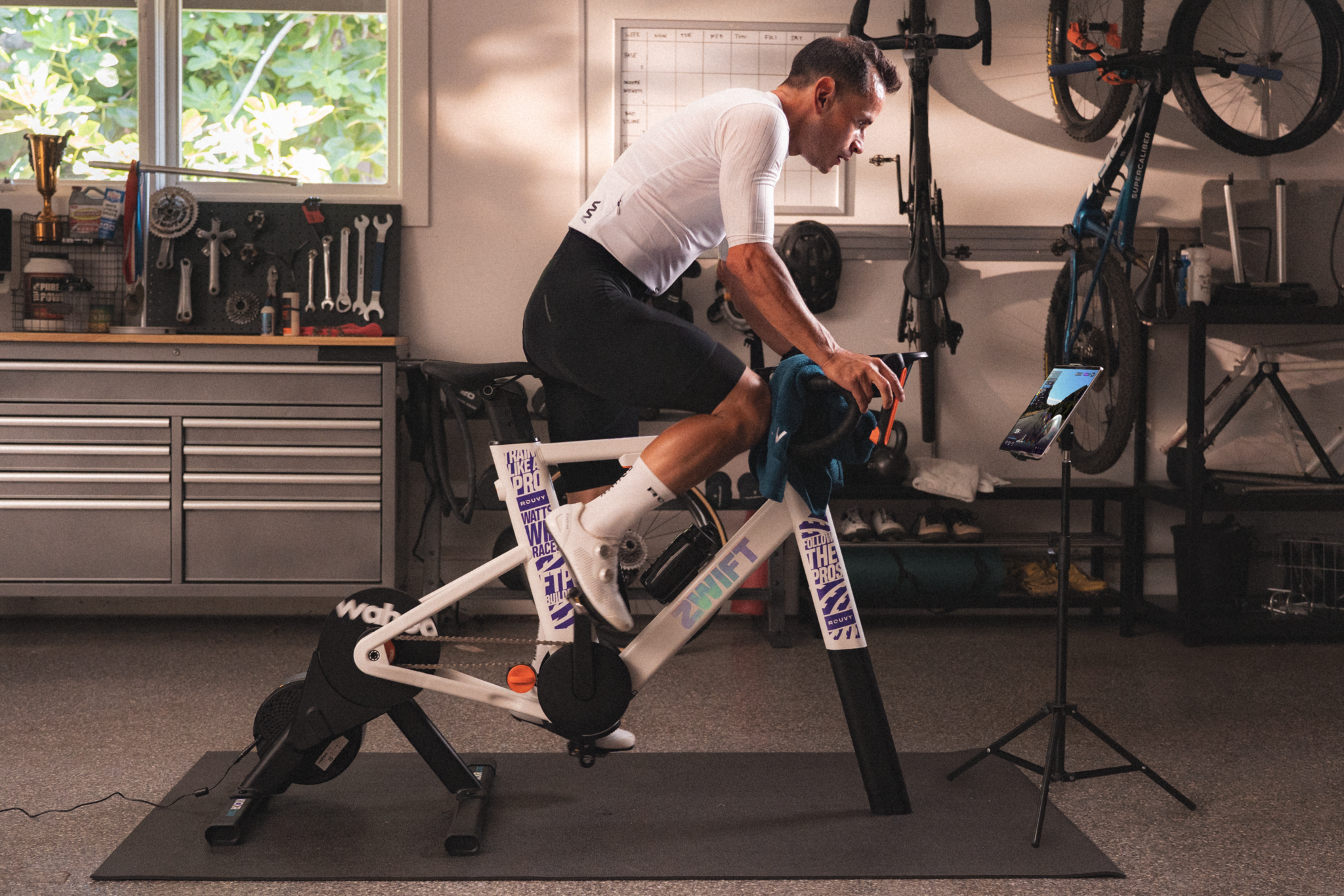
If a smart trainer is categorised as ‘Zwift Ready’, it’s supplied with a Zwift Cog and Click, enabling virtual shifting.
First launched in 2023, Zwift Cog and Click simplified smart trainer setup to make indoor cycling a lot more accessible.
Rather than using a cassette on a smart trainer in tandem with a bike’s gears, a Zwift Ready trainer uses the single-sprocket Zwift Cog, with resistance then adjusted via up to 24 virtual gears.
Crucially, using the Zwift Cog doesn’t mean you’re limited to using Zwift as an indoor training platform.
Setup is as simple as removing your bike’s rear wheel and slotting it onto the Zwift Ready turbo trainer’s sprocket. There’s no need to worry about cassette compatibility.
Speaking of compatibility, Zwift Ready trainers work with the majority of 8- to 13-speed drivetrains, whether from Shimano, SRAM or Campagnolo, so you also don’t need to invest in a specific cassette or freehub if using different bikes on the same turbo trainer.
Also, even if your trainer pre-dates the Zwift Cog's launch in 2023, the latest Zwift Cog and Click upgrade kit is compatible with popular trainer models including the Wahoo Kickr Core (first released in 2018) and the Wahoo Kickr v6 (first released in 2022).
What is the Zwift Cog?
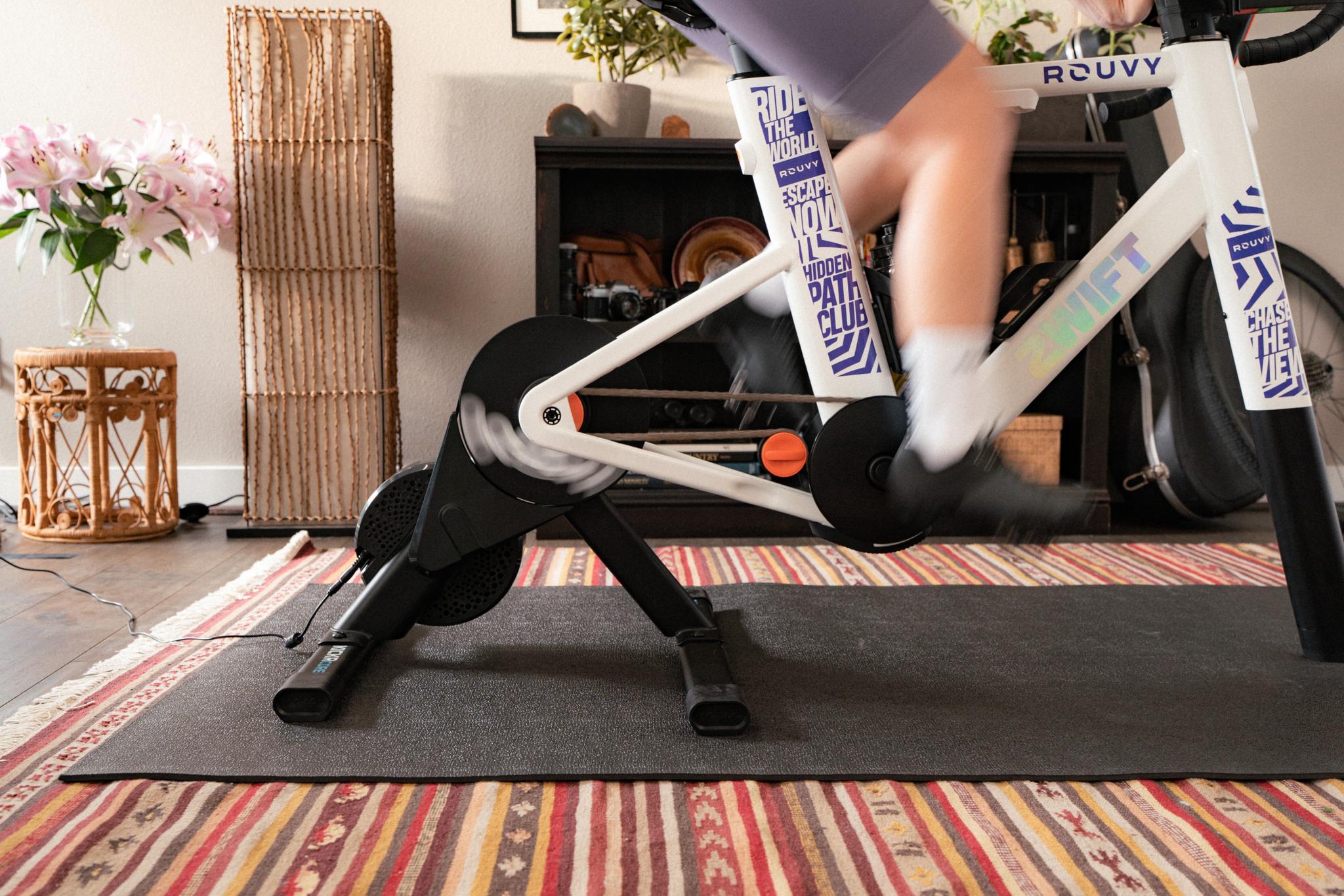
Let’s go into a bit more detail on the Zwift Cog, a piece of hardware that replaces the traditional cassette on a direct-drive smart trainer.
A single, 14-tooth steel cog (or 18-tooth if using an Elite smart trainer) sits between two plastic pucks and is installed like a cassette onto a smart trainer’s freehub.
Rather than shifting between the sprockets of a cassette using your bike’s drivetrain, the Zwift Cog transforms your bike’s drivetrain into a singlespeed setup and keeps it in one position during its time on the trainer. However, as we’ll come onto, that doesn’t limit your bike’s gearing range.
Getting the correct alignment is incredibly straightforward, and there are 10 different sprocket positions to choose from. All you have to do is shift your chain onto a sprocket in the middle of the cassette before removing your rear wheel. Any further fine-tuning takes place on the Zwift Cog.
Key benefits of using the Zwift Cog
- Reduced wear and tear from shifting
- It’s simpler to switch between indoor and outdoor riding
- Multiple people (or multiple bikes) can use the same smart trainer with no additional alterations to the hardware
What is Zwift Click?
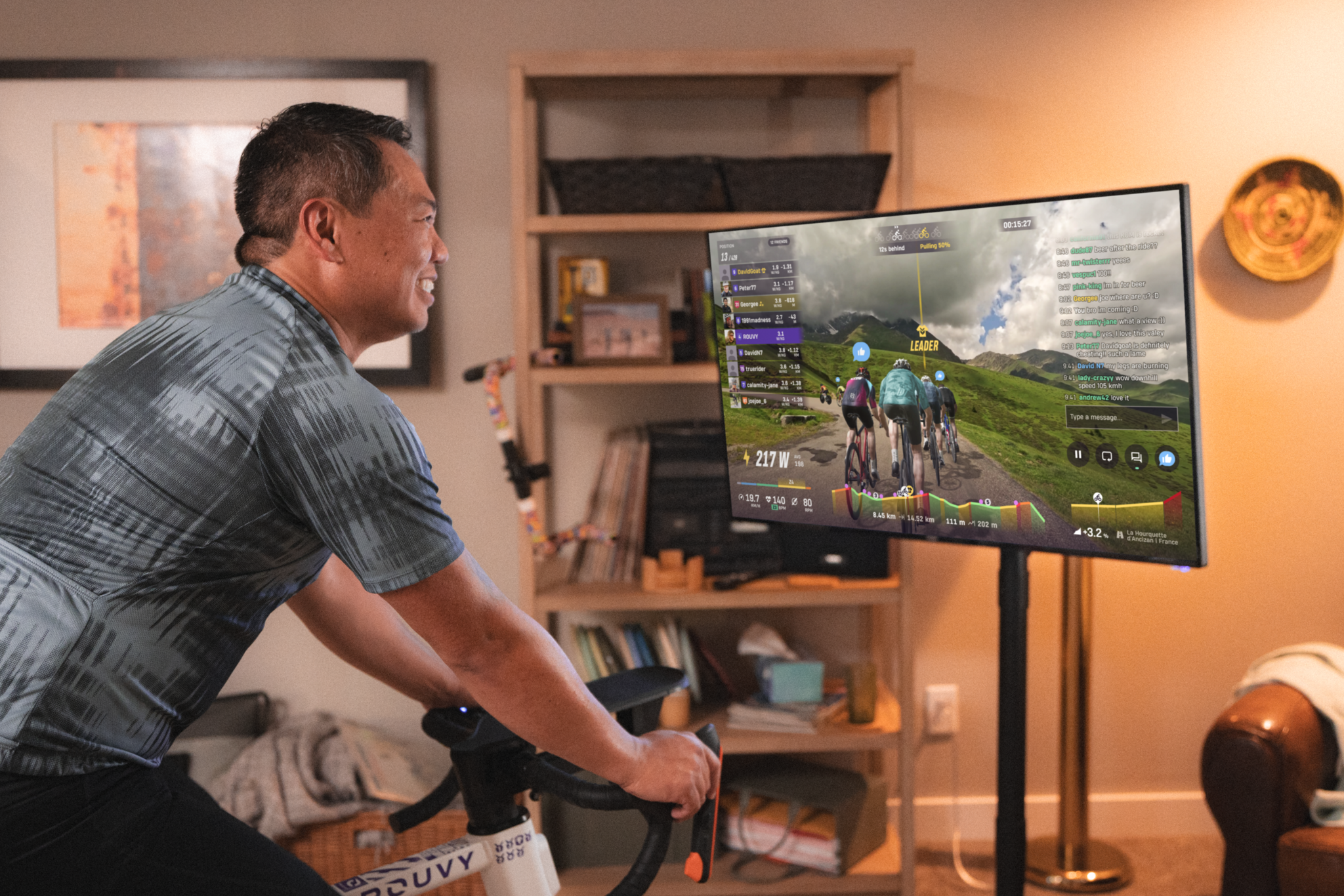
Zwift Click is the corresponding piece of hardware in the Zwift Cog and Click bundle and is how you control the setup.
Comprising two minimalist control pads (on the Zwift Click V2) that are attached to a bike’s handlebar using the supplied rubber bands, the Click pairs to a training platform like Zwift or ROUVY via Bluetooth to open up a world of virtual shifting.
The Zwift Click controls aren’t limited to virtual shifting either. If using ERG mode, the buttons can be used to increase or reduce the intensity of a pre-programmed workout.
Both pads also have ‘action’ buttons to pause and resume rides, navigate menus and perform actions such as taking screenshots, giving kudos, skipping a workout segment and chatting with other users.
ROUVY allows you to customise the function of the action buttons, enabling you to create a setup to suit your preferences.
What is virtual shifting?
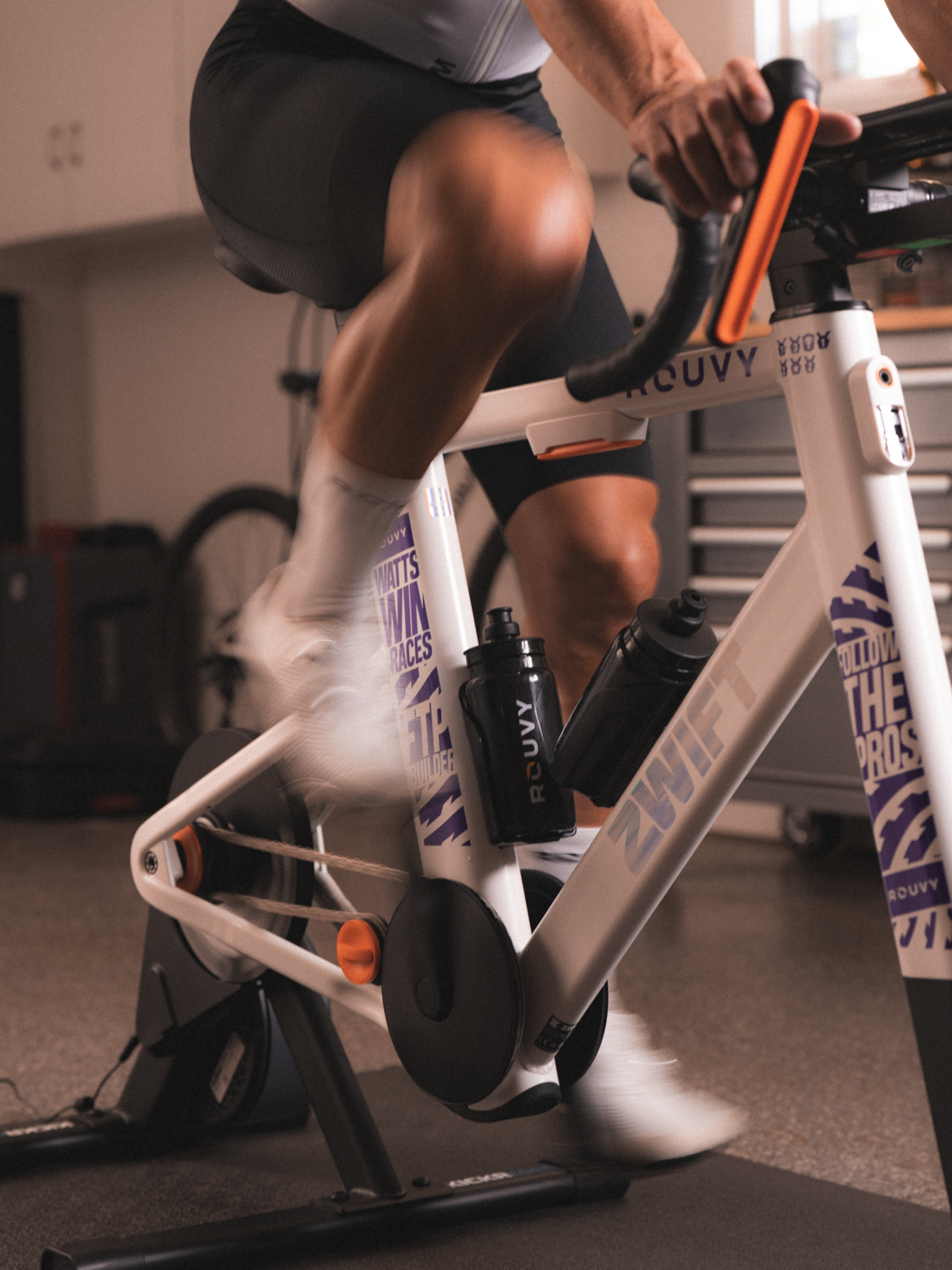
The big sell of the Zwift Cog and Click is virtual shifting. Instead of using your bike’s drivetrain, the hardware combines to transform a singlespeed setup into a virtual drivetrain.
When free riding and using sequential shifting, you can press the minus on the left-hand ‘navigation pad’ of the Zwift Click to simulate shifting down into an easier gear, or the plus on the right-hand ‘action buttons pad’ to shift up into a harder gear.
This comes with a range of real-world benefits, including no lateral chain movement, reduced drivetrain wear and reduced noise.
The benefits extend into the virtual world too, with near-instant gear shifts and potentially a wider range of gear ratios to choose from, compared to what you’re used to on the open road (particularly if the bike installed on the turbo trainer has a 1x drivetrain or an older 2x setup).
When applied to ROUVY, the virtual shifting works its magic in a few ways.
When free riding on a route, ROUVY automatically adjusts the trainer’s resistance in tandem with the topography of the route, and you can then use the virtual gears to make it easier or harder.
In slope or free-ride workout intervals, the virtual shifting works the same way, while in ERG mode, the plus and minus buttons adjust your target power up and down by 2% for the current interval and any intervals that follow.
How do you get started with Zwift hardware on ROUVY?
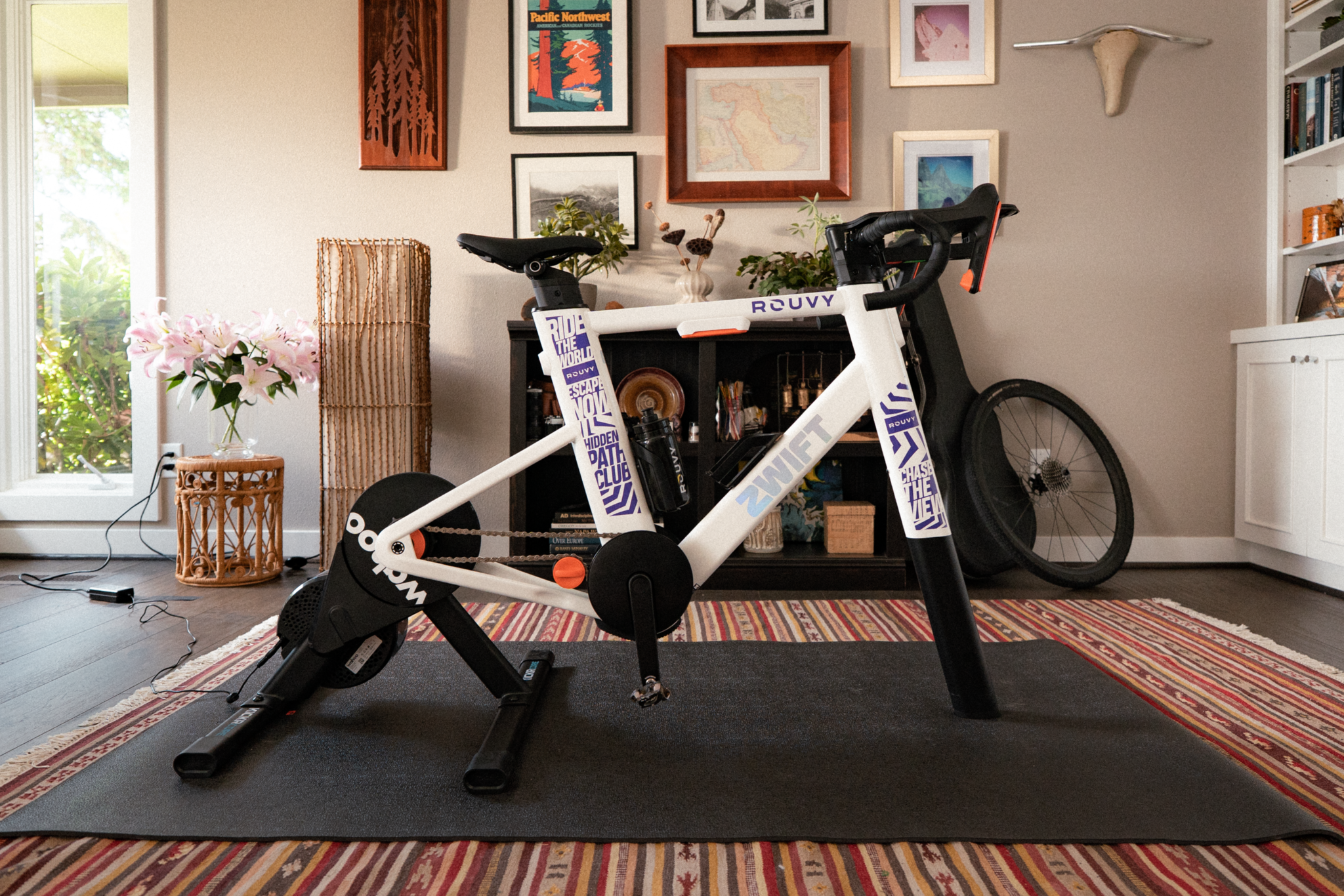
If you already own Zwift Ready trainer or are looking to invest in the tech, the good news is that you won’t need to buy anything else for it to also work with ROUVY.
Connecting and syncing Zwift Ready equipment to ROUVY is incredibly simple.
Once you’ve paired your smart trainer to ROUVY over Bluetooth or Wi-Fi, you just need to connect the shifting controller (in this case, the Zwift Click) through the ROUVY home screen’s ‘cycling remote control’ tile.
Once paired, it’s possible to customise your virtual gearing by shifting style and gear range – mixed terrain (1x24), flat (53/39, 10-28), all-arounder (48/35, 10-33), climbing (43/30, 10-36).
After the initial setup, your preferences will be saved ready for the next time you jump on the trainer, so you can start riding from the first pedal stroke.