Zwift dominates the indoor cycling app landscape, and you’ll need to pay for a subscription after a 14-day trial period, with the monthly fee currently £17.99 / $19.99. However, there are alternatives, and the best free indoor cycling apps provide a variety of user experiences.
If you are looking for a gamified environment comparable to Zwift, you can find this on MyWhoosh and TrainingPeaks Virtual.
Some free Zwift alternatives offer real-world route videos similar to Rouvy, although you’ll often only have a small number of free-to-use roads to ride, with a paid subscription opening up further options and greater functionality.
Other free indoor cycling apps limit you to a ramp-based interface rather than something more interactive. If you’re happy with that and don’t mind looking elsewhere for entertainment while you ride, more options open up.
Here are six free smart trainer apps to help you maintain your fitness and enjoy the benefits of indoor cycling when you can’t ride outdoors. You can also read our top five indoor training tips to help improve your indoor riding experience.
This best list was updated by our staff writer, Nick Clark, who has brought together expertise from across the team, while adding his personal experience in the saddle.
Editor's note: this list was updated on 5 November 2026 with pros and cons for each app. We have also removed apps that are no longer available.
Best free indoor cycling apps
MyWhoosh

- Pros: Cash prizes on offer
- Cons: Fewer users than Zwift
MyWhoosh isn’t just free, it offers cash prizes. Its Sunday Race Club has a monthly pot approaching $300,000, and its annual MyWhoosh Championships has a $1 million prize fund.
The setup is similar to Zwift, with MyWhoosh able to control a smart trainer via the app running on a range of devices, although these need to be quite high-end for the best performance.
MyWhoosh’s virtual worlds are based on landscapes in Japan, Australia, Bhutan and elsewhere, as well as imaginary worlds.
There's a heavy tie up with the UAE, with the app a sponsor of the UAE Team Emirates pro teams and the app’s content heavily linked to the team’s equipment, including the option to place your avatar on its Colnago bikes wearing team clothing.
MyWhoosh has also hosted the UCI Esports World Championships starting in 2024, bumping out Zwift.
As with Zwift, there’s a calendar of group rides and races, as well as a whole range of workouts and training plans.
It’s the closest alternative to Zwift that you can ride for free.
- Download here: MyWhoosh
TrainerDay
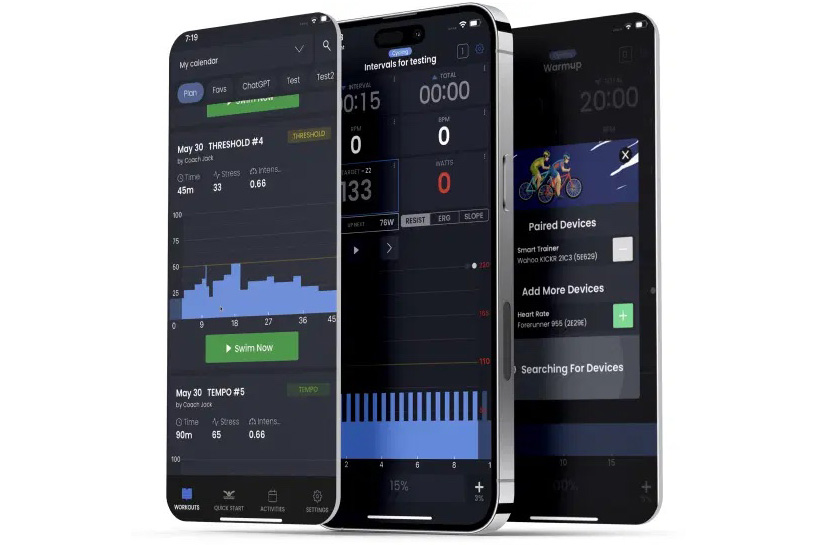
- Pros: Library of up to 30,000 workouts
- Cons: Not the most stimulating to train with
TrainerDay is more an alternative to TrainerRoad than to Zwift, offering a library of up to 40,000 workouts and a claimed library of hundreds of training plans.
The free tier includes an app, although you’re limited to the 20 workouts that are included. The subscription to unlock the app’s full functionality is relatively affordable at $4.99 a month if you find the free tier limiting.
TrainerDay boasts a quick startup. It enables you to get pedalling to start your warm-up, and then choose the workout you want to follow. It will merge your warm-up effort into the chosen workout, so there’s no downtime before you start riding.
- Download here: TrainerDay
Garmin Connect
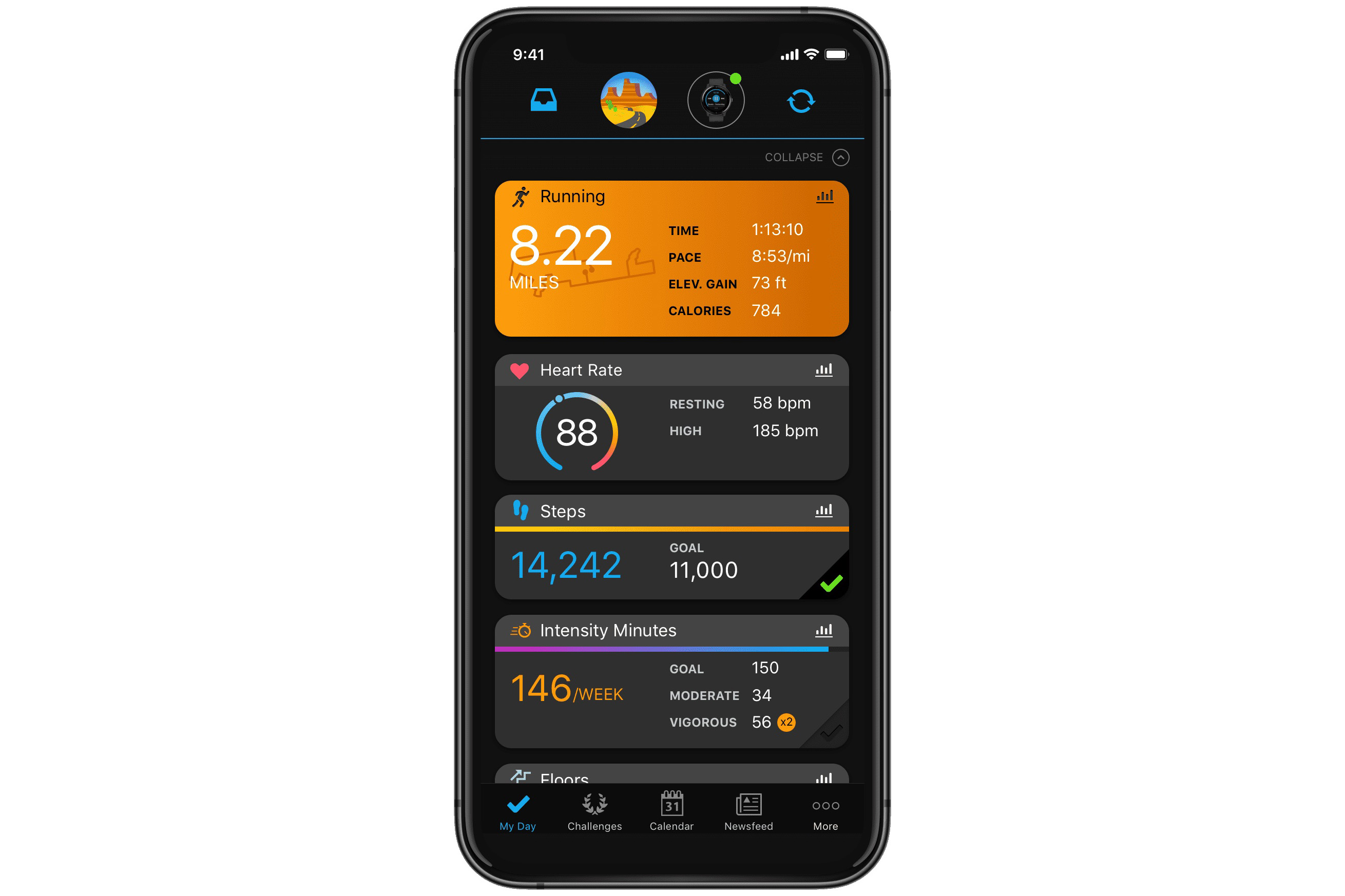
- Pros: Easy compatibility; available on desktop and smartphones
- Cons: Features limited to Garmin devices
Although it helps to have a Garmin bike computer or smartwatch, Garmin Connect provides a range of training plans for cyclists, which can be ridden indoors or outdoors and which you can also follow without a Garmin device.
The Garmin Connect app is available for desktops and smartphones.
You don’t get an interactive interface as you do with Zwift, but Garmin’s workout library is comprehensive.
If you tell the app how much time you can dedicate to your riding and when you want to be ready for your event, Garmin Connect will set up a schedule with workouts and non-exercise days mapped out for each day leading up to your target date.
It will likely include some longer tempo rides – riding for two hours in Zone 2 is probably nicer outdoors than indoors. Garmin advises that early in a training plan longer rides can be subbed out for other exercise if you’re seeking variety.
Additionally, there will be shorter sessions of an hour or so, which include intervals and which might be easier to manage indoors, particularly if you’re trying to fit in three or more sessions a week over the winter.
Garmin will also track your progress, if you’ve got the right kit, with a smartwatch useful to keep an eye on your heart rate, heart rate variability, sleep quality, VO2 max and other metrics, to ensure you’re hitting your targets and not overtraining.
- Download here: Garmin Connect
Tacx Training app (for Tacx trainers)
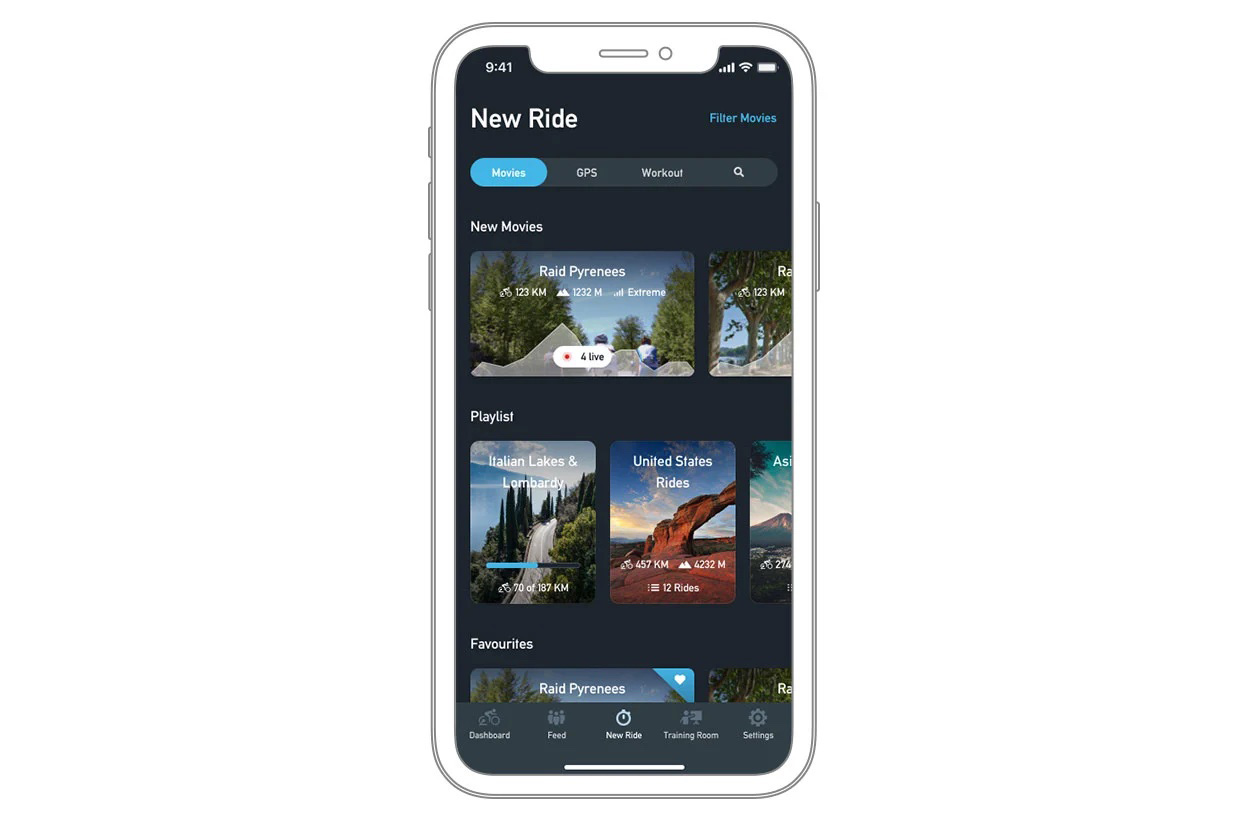
- Pros: Good variety of training sessions
- Cons: Requires a Tacx trainer
Another option from Garmin, which now owns Tacx, is the Tacx Training app.
The app has a free tier as well as paid-for options. Paying will increase the range of functionality available and open up high-quality video streams, but there’s a reasonable amount of content available without paying.
You will need a Tacx trainer, because although the app communicates via BLE, Tacx says third-party trainers won’t function correctly. That’s not something we’ve tested ourselves, though. The app also integrates with Garmin Connect.
The free tier enables you to follow structured workouts, compete and analyse your data, although you only get two demo video streams. A paid subscription, meanwhile, opens up the complete library of more than 150 route videos in 720p. A premium tier adds higher-quality 1048p video.
There’s a downloadable app for Windows as well as an app-based version for both iOS and Android devices.
- Download here: Tacx Training App
Kinetic Fit (for Kinetic trainers)
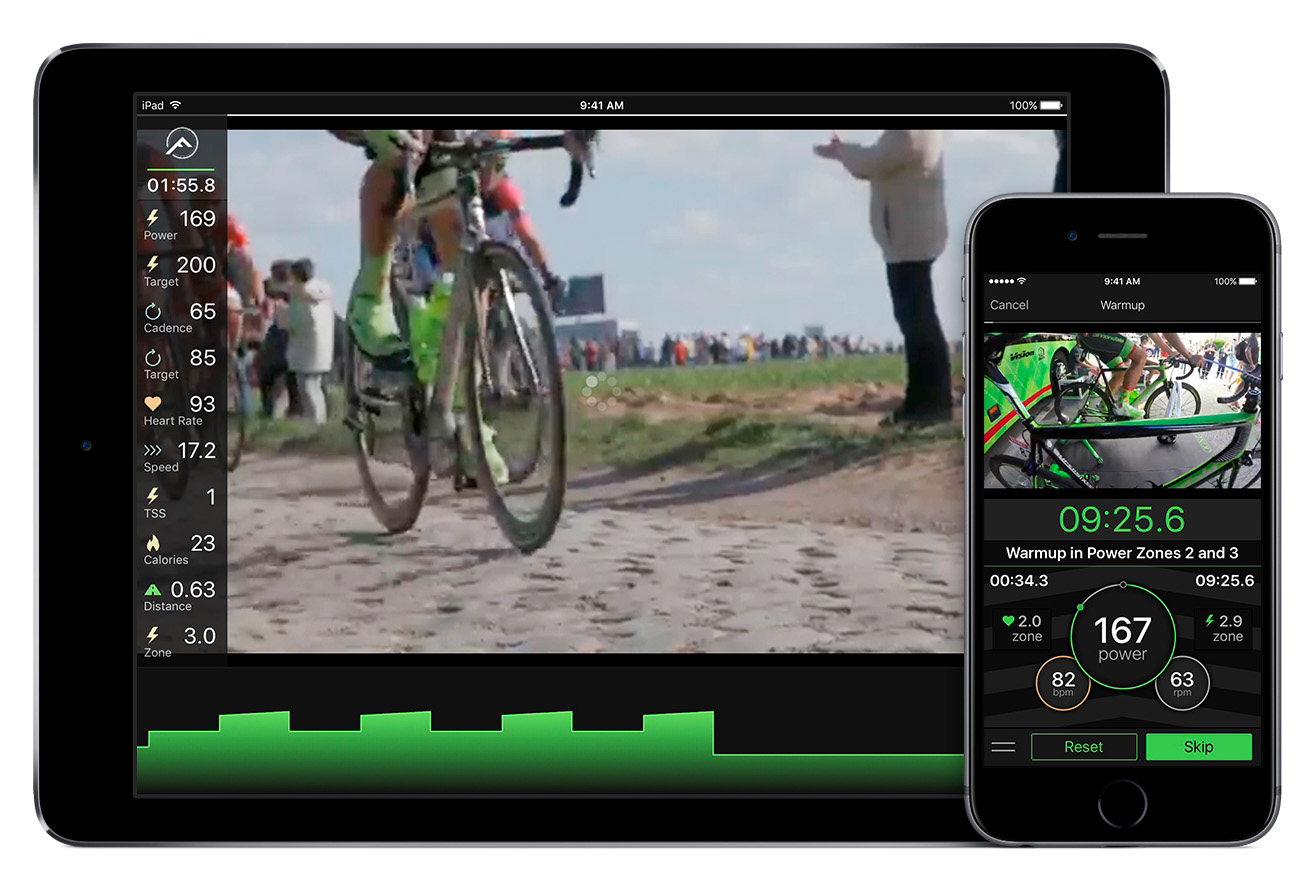
- Pros: Plenty of power-based workouts
- Cons: Analysis is limited for the free tier; linked to a specific trainer brand
Yet another suite of training software linked to a specific trainer brand, Kinetic Fit has a free Core tier that gives you access to a subset of its power-based workouts and a single training plan. It’s another ramp-based user interface with limited interactivity.
Although in-app analysis is limited for the free tier, you can sync out to a range of third-party apps, including Strava and TrainingPeaks.
- Download here: Kinetic Fit
Golden Cheetah
- Pros: In-depth analysis tools
- Cons: Interface not as refined as others
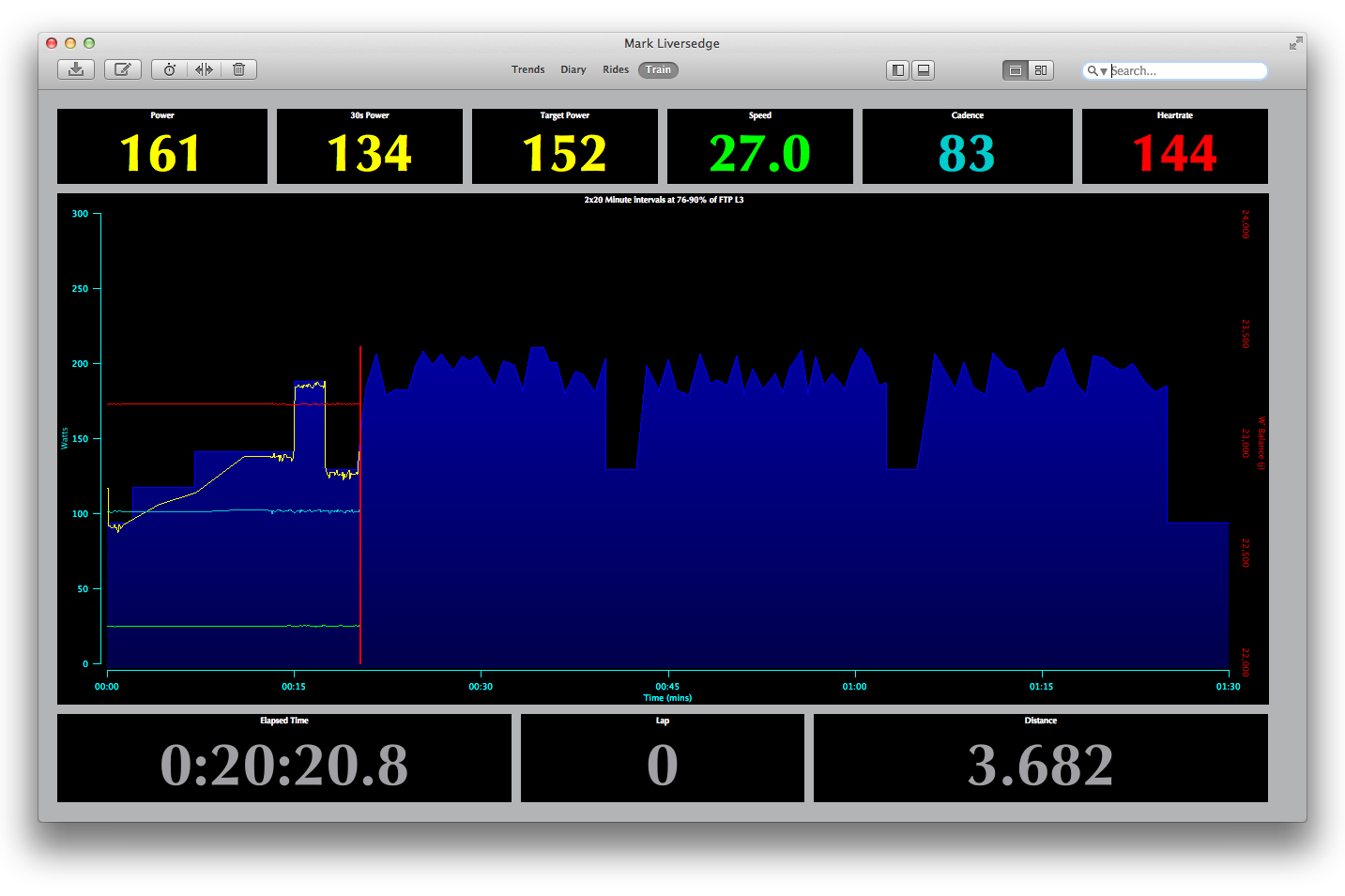
If you like open-source software, then Golden Cheetah – the undisputed champion of free power data analysis – also includes the ability to connect to smart trainers and guide you through ERG workouts or simulations of real-world rides.
Once you’ve finished your ride, you can use Golden Cheetah’s in-depth analysis tools to track your training.
It’s fair to say Golden Cheetah has a fairly steep learning curve compared to other, more commercialised apps with more refined user interfaces. But if you’re willing to learn its quirks, it’s a powerful piece of software that won’t cost you a penny.
- Download here: Golden Cheetah
What other indoor training apps are there?
As with Zwift, many subscription-based indoor training apps offer a free trial period before you need to put your money down. It’s usually 7 days or 14 days if you pay monthly, while an annual subscription often comes with a 30 day money-back guarantee.
So if you don’t mind app surfing – and there are likely more than we’ve listed here – you could go a good few months before having to make a decision. By which time the weather might have got sufficiently better to entice you back outdoors.
If you want some suggestions for paid-for indoor cycling apps to try, check out our guide to the best indoor cycling apps. We’ve also got detailed guides to Zwift, TrainerRoad, Rouvy and more and the essential indoor training accessories to make your indoor riding more enjoyable.